


Introduction
Call centers are the backbone of customer service, and customizing your call center software can significantly enhance call center usability and improve performance. Therefore, let’s explore why customization is essential, the key areas to focus on, and how to do it effectively.
Importance of Customization
Customization in call center software is crucial for several reasons. Firstly, it allows you to tailor the software to meet your specific business needs. This ensures that your team can work more efficiently and effectively. Additionally, customization enhances user experience, making the software more intuitive and easier to use. Moreover, it can lead to better data management, enabling more insightful analytics and reporting.
Key Areas for Customization
When customizing your call center software, it is essential to focus on these critical areas:
User Interface (UI)
A user-friendly interface is vital. Therefore, customize the UI to ensure it aligns with your agents’ workflows, reducing the learning curve and boosting productivity.
Integrations
Integrate your software with other tools your business uses. This can include CRM systems, email marketing platforms, and social media channels, providing a seamless workflow.
Reporting and Analytics
Tailor your reporting tools to highlight the metrics that matter most to your business. Custom dashboards can provide real-time insights, helping managers make informed decisions.
Automation Features
Customize automation features to streamline repetitive tasks. This can include automatic call distribution, predictive dialing, and AI-driven customer interactions.
Steps to Customize Your Software Effectively
Customizing your call center software doesn’t have to be daunting. Follow these steps for a smooth process:
Assess Your Needs
Start by identifying your business requirements. What features are essential? What can be improved? Gather input from your team to understand their pain points and needs.
Choose the Right Software
Select a software solution that offers robust customization options. Ensure it’s flexible enough to grow with your business and adaptable to your changing needs.
Plan the Customization
Develop a clear plan outlining what changes need to be made, the timeline, and who will be responsible for each task. This helps ensure that the customization process is organized and efficient.
Test Thoroughly
Before rolling out any changes, conduct thorough testing. This will help you identify any issues and make necessary adjustments before full implementation.
Train Your Team
Once customization is complete, train your team on the new features and workflows. Effective training ensures that everyone can take full advantage of the customized software.
Overcoming Challenges in Customization
Customization can present challenges, but they can be overcome with the right approach:
Limited Technical Expertise
If your team lacks technical expertise, consider hiring a consultant or working with your software provider’s support team. They can offer valuable guidance and assistance.
Resistance to Change
Change can be difficult. To overcome resistance, communicate the benefits of customization clearly to your team. Highlight how the changes will make their jobs easier and improve overall performance.
Budget Constraints
Budget can be a constraint; however, remember that customization is an investment. It may have upfront costs, but the long-term benefits often outweigh these initial expenses.
Case Studies: Customization Success Stories
Company A: Improved Efficiency
Company A customized its call center software to integrate with its CRM system. This seamless integration reduced the time agents spent switching between platforms, significantly boosting efficiency.
Company B: Enhanced Customer Satisfaction
Company B focused on customizing its reporting tools. With better analytics, they could identify customer pain points and address them promptly, leading to higher customer satisfaction rates.
Company C: Streamlined Workflows
By customizing their UI and automation features, Company C streamlined its agents’ workflows. This not only improved productivity but also reduced employee turnover by making the job less stressful.
Conclusion
In conclusion, customizing your call center software is a powerful strategy to enhance call center usability and overall performance. By focusing on key areas such as the user interface, integrations, reporting and analytics, and automation features, you can tailor the software to meet your specific needs. Following a structured approach to customization and overcoming potential challenges will ensure a successful implementation. Remember, the benefits of customization far outweigh the initial efforts and costs, leading to a more efficient and effective call center operation.
articles
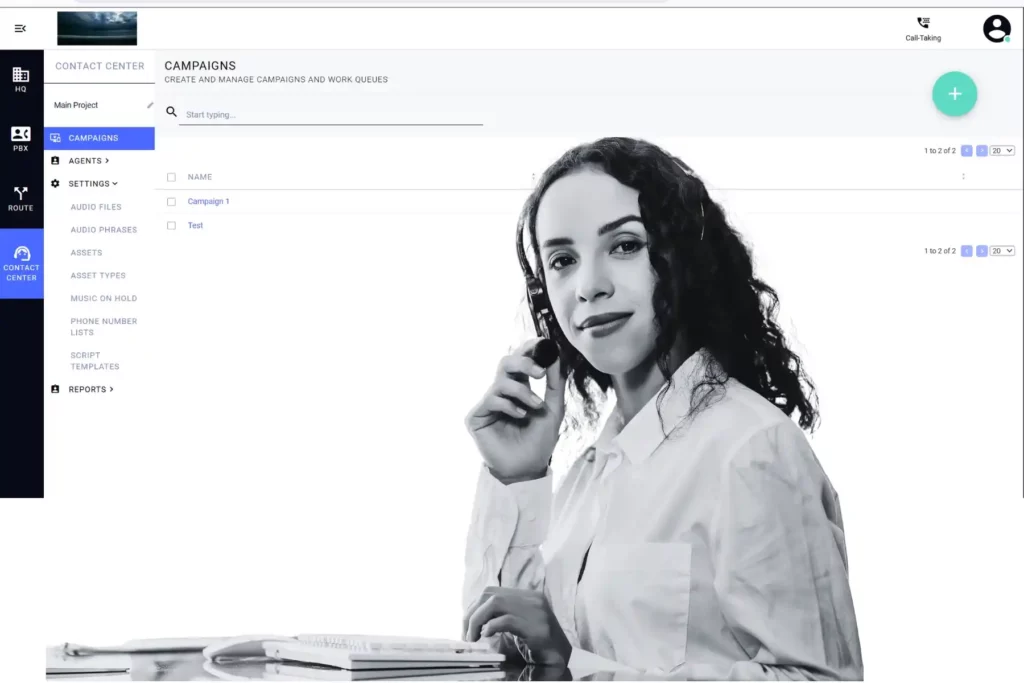
Real-Time Agent Assist: Lift CSAT Without Adding Agents
Real-time agent assist is becoming a core requirement for modern contact centers in 2026. By…

Third-Party API Integration: Fix It with JSON Payloads
A third-party API integration failed because the platform sent URL-encoded form data instead of the…
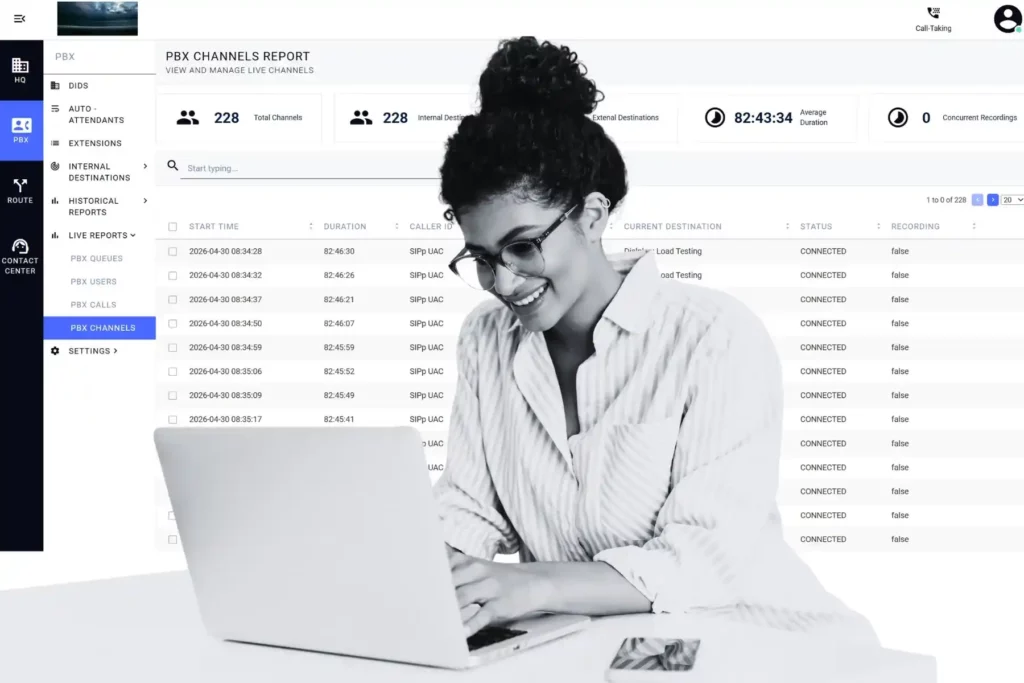
End-to-End Encryption in SIP
Not every encrypted SIP deployment delivers true end-to-end encryption — and the difference carries real…
911 & Healthcare Call Recording for Contact Centers | QSuite NG
In 911 dispatch and healthcare contact centers, call recording is the compliance safeguard, legal record,…
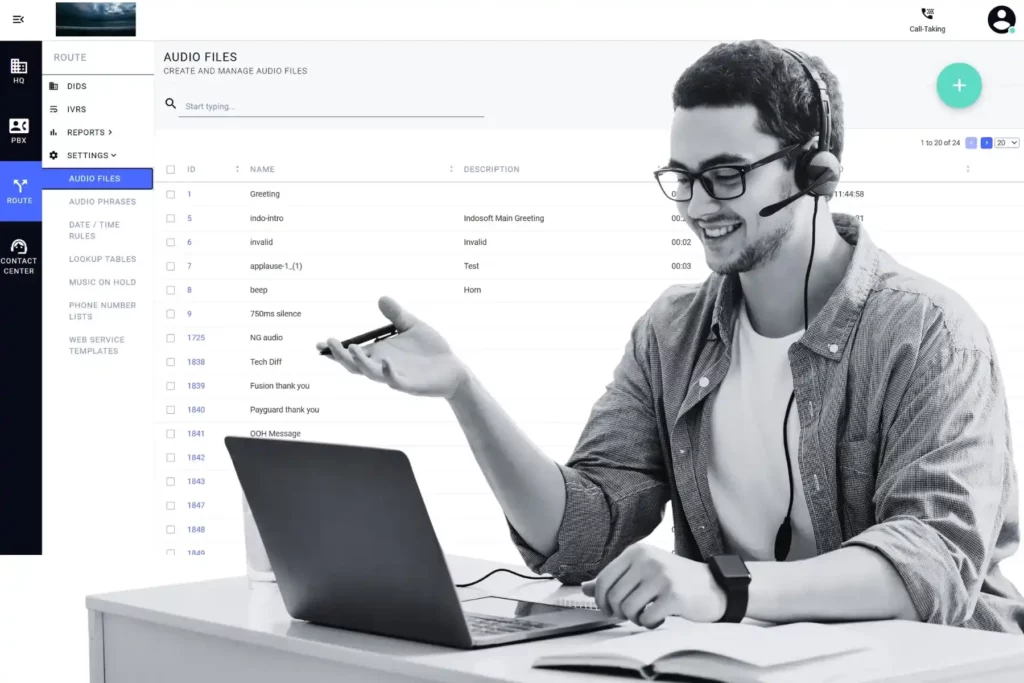
Contact Center Agent Turnover: Real Causes and Fixes
Contact center agent turnover costs mid-market teams over $140,000 a year — and most leaders…
Call Center Software Evaluation: 6 Questions Managers Overlook
Most call center software evaluations focus on features—but features are easy to demo. What’s hard…
Call Center Agent Burnout: Smarter WFM Solutions
Agent burnout is one of the costliest challenges in the contact center industry, with turnover…
Phone System Troubleshooting Solutions for Call Centers
Phone system issues don’t just cause frustration — they cost your call center time, revenue,…
Cloud-Based PBX Deployment Strategy for Call Centers
A cloud-based PBX deployment strategy is about more than just setting up a phone system….
Custom Contact Center Solutions: Build a Flexible Platform
Custom contact center solutions are no longer reserved for large enterprises. Learn how to build…
Discover articles organized by topic to help you stay informed on the latest trends in AI, automation, and contact center innovation. Find the insights that matter most to your business.
Explore blog tags to find connected articles, practical tips, and in-depth perspectives on AI, automation, and customer experience innovation.
Advanced Technology Agent Performance AI Asterisk Automation Call Center Call Center Management Call Center Software Call Routing Cloud Solutions Communication Cost Efficiency Customer Experience Customer Feedback Customers Customer Satisfaction Customer Service Customer Trust Cybersecurity Data Analysis and Reporting Data Security and Privacy Digital Customer Experience Efficiency Feedback Holiday Innovation Innovations in Customer Service Integration Loyalty Omnichannel Omnichannel Communication Omnichannel Support Operations Performance Personalized Customer Experience Productivity Real-Time Analytics and Reporting Service Solving Customer Problems Support Technology Top Trends Training Usability Workforce Management